

Leaving your cryptocurrency on centralized exchanges exposes your assets to severe counterparty risks, including platform bankruptcies, frozen withdrawals, and exchange hacks. As the popular industry saying states: “Not your keys, not your coins.”
Taking full self-custody of your digital assets by transferring them to an offline cold hardware wallet is the safest way to protect your funds. By isolating your private keys from internet-connected devices, hardware wallets make it virtually impossible for remote hackers to steal your crypto.
1. Custodial Exchanges vs. Self-Custody Cold Wallets
Understanding how ownership works on a blockchain highlights why cold storage is necessary for long-term holders.
Key Differences
-
Custodial Exchanges: The exchange holds the private keys on your behalf. You only have a login username and password. If the platform becomes insolvent or gets hacked, you lose access to your funds.
-
Software (Hot) Wallets: Apps installed on smartphones or computers hold private keys locally. While you control the keys, malware or keyloggers on your device can compromise your wallet.
-
Cold Hardware Wallets: Dedicated physical devices that keep private keys stored inside a secure element chip. The keys never leave the offline hardware device, even when plugged into a computer infected with malware.
2. Step-by-Step Hardware Wallet Setup Setup Guide
Properly initializing your cold wallet ensures your security chain remains unbroken from day one.
| Setup Phase | Critical Security Step | Common Mistake to Avoid |
| Purchase | Buy directly from the official manufacturer (e.g., Ledger, Trezor, BitBox). | Never buy second-hand or from unauthorized third-party resellers on eBay or Amazon. |
| Unboxing | Check for tamper-evident seals and verify original factory firmware. | Do not use a device that comes with a pre-printed seed phrase in the box. |
| Initialization | Generate a brand-new 12 to 24-word recovery seed phrase directly on the hardware screen. | Never take a digital photo or screenshot of your seed phrase. |
| Test Deposit | Send a small test transaction first, reset the device, and restore it using your seed phrase. | Do not send your full balance until you confirm your recovery process works. |
3. The Golden Rules of Seed Phrase Security
Your seed phrase (a sequence of 12 or 24 random words) is the actual master backup key to all your blockchain assets. If your hardware wallet breaks or gets lost, entering your seed phrase into a new device restores your entire portfolio.
-
Keep it 100% Offline: Never type your recovery seed phrase into a computer keyboard, mobile app, cloud storage folder, or online password manager.
-
Use Metal Backup Storage: Paper seed phrase cards can be destroyed by fire or water damage. Storing your words on a stainless steel or titanium seed plate ensures physical durability.
-
Beware of Phishing Scams: Hardware wallet manufacturers will never ask for your seed phrase via email, social media, or customer support forms. Any site prompting you to enter your recovery words online is a scam.
4. Integrating Self-Custody into Your Broader Financial Security Plan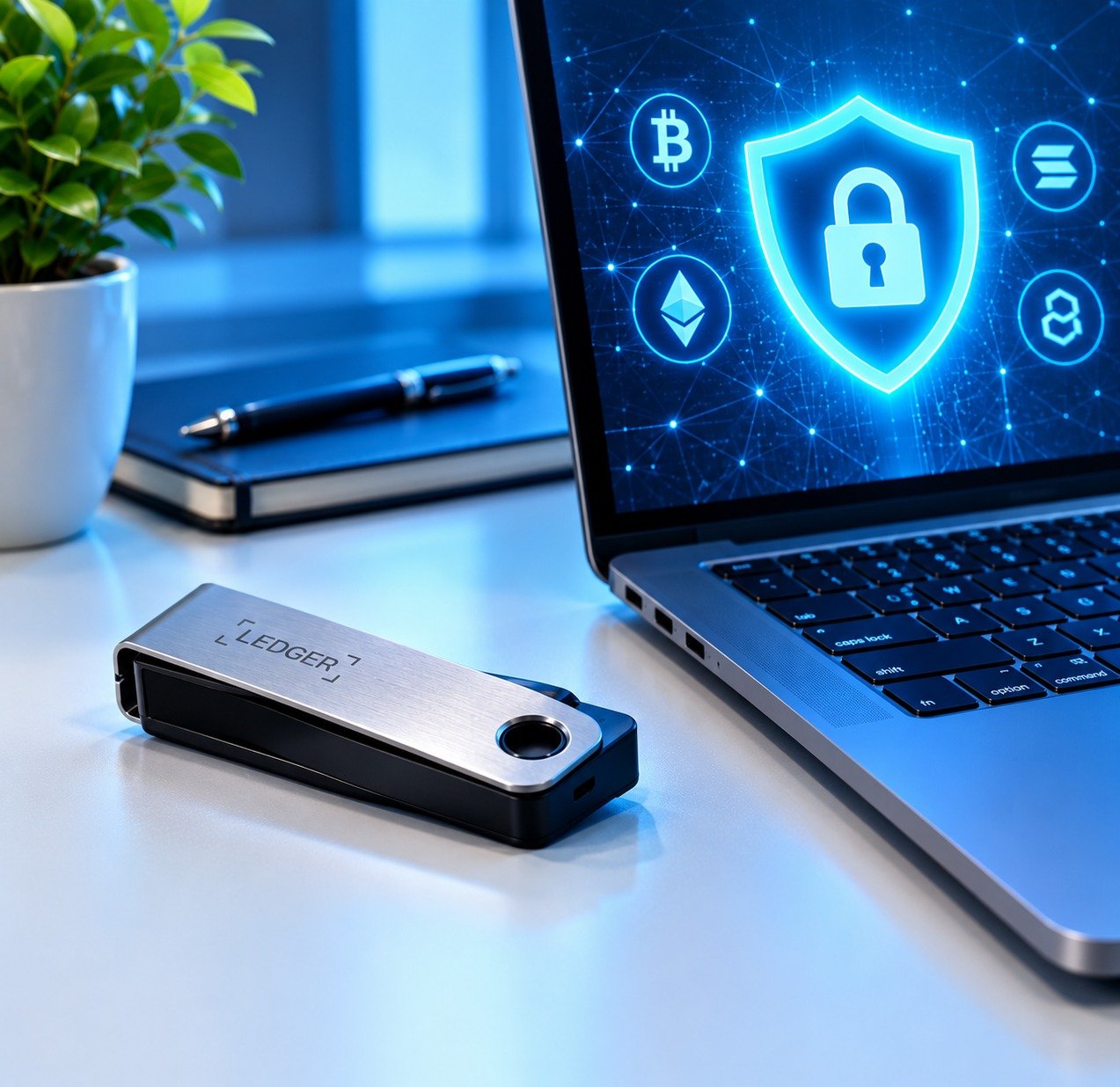
Cold storage fits into a broader, disciplined financial management framework.
-
Balance Your Risk: Combine self-custodial crypto security with traditional low-risk investment vehicles outlined in our guide on low risk strategies for stocks and index funds.
-
Practice Digital Hygiene: Safeguard your online environment by following everyday online privacy and data protection tips to prevent SIM-swapping attacks on your personal communications.
-
Understand Modern Fintech: Learn how self-custody interacts with open payment rails in our overview of fintech and digital banking.
Want More Insights to Grow Your Digital Presence & Daily Productivity?Whether you need to fix your website’s technical performance or build a smarter, burnout-free work routine, NewsUpTo delivers practical guides to keep you ahead.






Leave feedback about this