

Creating high-quality digital content often comes with steep monthly software subscription fees. Premium creative suites can cost hundreds of dollars every year, making it difficult for beginner creators, freelancers, and independent artists to get started.
Fortunately, the open-source community offers powerful, completely free alternatives. Open-source tools are developed collaboratively, cost zero dollars, contain no subscription paywalls, and respect your data privacy.
Below is a breakdown of the best free open source tools for content creators across video production, graphic design, audio recording, and writing.
1. Video Recording and Streaming: OBS Studio
Whether you record video tutorials, stream on Twitch, or capture gameplay footage, OBS Studio (Open Broadcaster Software) is the gold standard for video capture.
-
Best For: Live streaming and high-definition screen recording.
-
Key Features: Multi-source audio/video mixing, customizable scene transitions, green screen chroma keying, and extensive plugin support.
-
Why Creators Love It: It runs efficiently on Windows, macOS, and Linux without adding watermarks or artificial recording time limits.
2. Video Editing: Kdenlive and Shotcut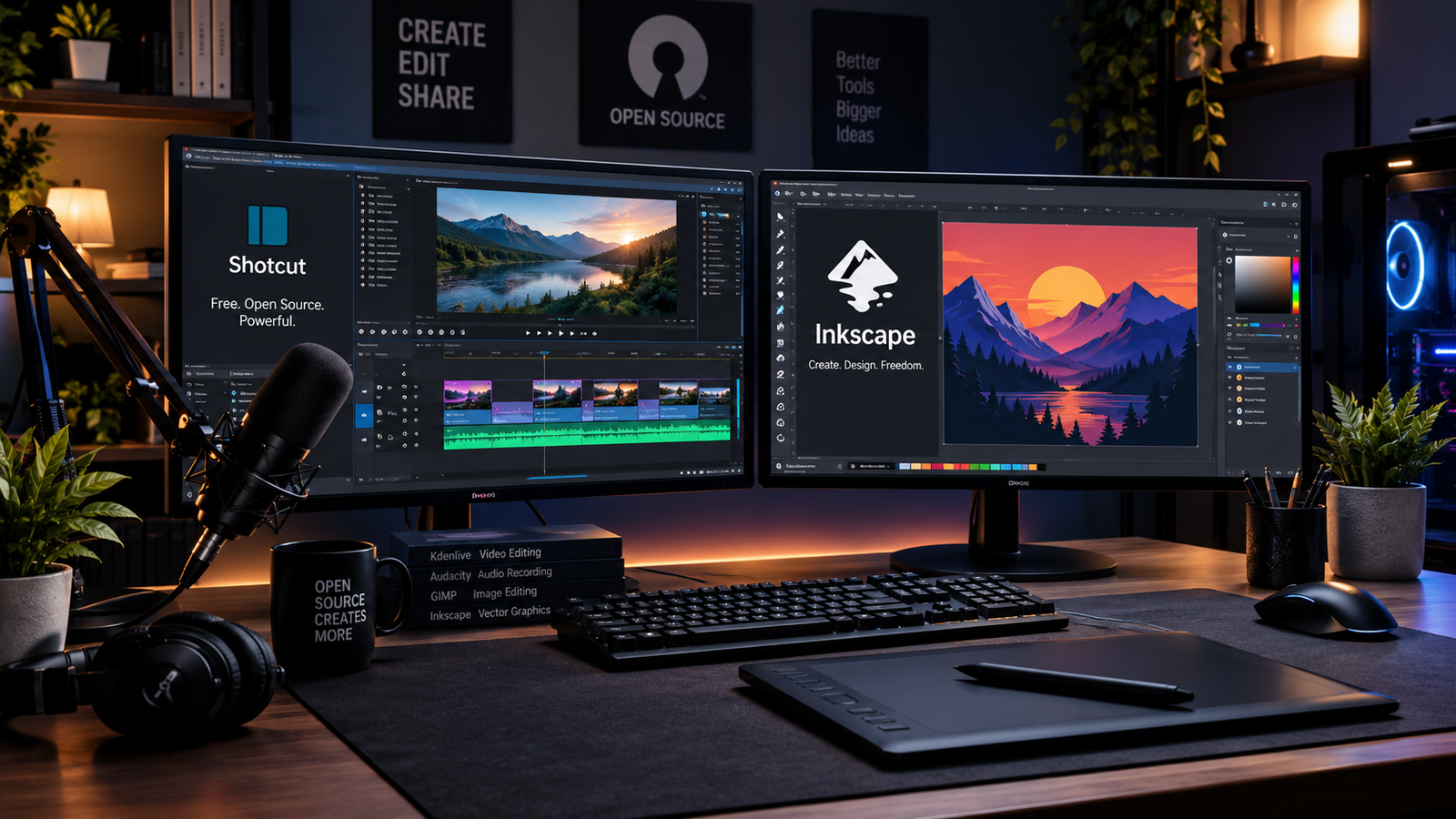
You do not need expensive software subscriptions to edit crisp YouTube videos or social media reels.
Kdenlive
-
Best For: Multi-track video editing and intermediate production workflows.
-
Key Features: Flexible timeline layout, built-in titler, motion tracking, color grading options, and extensive audio effects.
Shotcut
-
Best For: Beginners looking for a straightforward, lightweight video editor.
-
Key Features: Wide file format support, 4K video editing, simple drag-and-drop timeline, and low system resource consumption.
If you edit heavy 4K video files on a PC, keeping system performance smooth is essential. Learning how to clean up c drive in windows 11 safely ensures your export scratch drives never run out of storage space mid-project.
3. Graphic Design and Image Editing: GIMP and Inkscape
For photo manipulation, thumbnail creation, and vector graphics, open-source graphic tools offer pro-level capabilities.
GIMP (GNU Image Manipulation Program)
-
Best For: Photo editing, thumbnail design, and raster image manipulation (Adobe Photoshop alternative).
-
Key Features: Custom brushes, layer masks, selection tools, advanced color correction filters, and photo restoration.
Inkscape
-
Best For: Vector graphics, logos, illustrations, and scalable typography (Adobe Illustrator alternative).
-
Key Features: Node editing, path operations, SVG file format optimization, and flexible text tools.
4. Digital Painting and 2D Animation: Krita
If your content relies on original illustrations, concept art, storyboards, or digital painting, Krita is one of the most refined creative suites available.
-
Best For: Digital artists, illustrators, and animators.
-
Key Features: Over 100 pre-installed professional brush engines, brush stabilizers for smooth linework, pop-up color palettes, and frame-by-frame 2D animation tools.
-
Why Creators Love It: Designed directly by artists for artists, offering an intuitive canvas user interface.
5. Audio Production and Podcasting: Audacity
Clear audio quality is vital for video producers, podcasters, and voiceover artists. Audacity remains the premier multi-track audio editing software for creators.
-
Best For: Voiceover recording, podcast editing, and background noise removal.
-
Key Features: Spectral editing views, background noise suppression, audio compression, equalization, and multi-track mixing.
-
Why Creators Love It: Lightweight, fast, and capable of restoring noisy voice tracks with simple built-in filters.
6. 3D Modeling and Visual Effects: Blender
For creators exploring 3D graphics, product renders, game assets, or motion graphics, Blender is an industry-grade power station.
-
Best For: 3D animation, modeling, sculpting, and video compositing.
-
Key Features: Real-time rendering (Cycles and EEVEE), digital sculpting tools, 2D animation overlay (Grease Pencil), and advanced node-based compositing.
-
Why Creators Love It: It competes directly with enterprise 3D software while remaining 100% free forever.
Using demanding software like Blender benefits greatly from system optimizations outlined in our guide on how to optimize windows 11 for gaming and performance. Additionally, securing your creative account assets using principles from our passkeys vs passwords comparison ensures your published work and accounts remain safe.
Want More Insights to Grow Your Digital Presence & Daily Productivity?
Whether you need to fix your website’s technical performance or build a smarter, burnout-free work routine, NewsUpTo delivers practical guides to keep you ahead.




Leave feedback about this