

Modern smartphones pack immense computing power, high-refresh-rate displays, and sophisticated camera systems into slim designs. However, all these advanced capabilities rely on a component that degrades continuously from the moment it leaves the factory: the lithium-ion (Li-ion) battery.
Over time, chemical wear reduces the amount of charge a battery can hold, causing phone performance to drop and forcing users to look for charging outlets throughout the day. While battery degradation is inevitable, adopting smart charging habits and optimizing system settings can significantly slow this process.
Below is a complete, practical guide detailing how to extend smartphone battery lifespan and preserve your device’s battery health for years.
1. Master the 20-80 Charging Rule
Lithium-ion batteries experience the highest chemical stress when completely empty (0%) or fully saturated (100%).
-
Avoid Full Discharges: Letting your phone drain to 0% forces the battery through a deep discharge cycle, which accelerates chemical aging.
-
Unplug Before 100%: Charging all the way to 100% subjects the battery cells to high voltage stress. Aim to unplug your phone when it reaches around 80% to 90%.
-
Enable Built-in Charging Limits: Both iOS (Optimized Battery Charging / 80% Limit) and Android (Protect Battery) include settings that automatically pause charging at 80% or delay full charging until right before you wake up.
2. Protect Your Phone from Heat and Cold
Temperature extremes are the single biggest enemy of lithium-ion battery health. Exposure to high heat breaks down internal battery chemistry rapidly.
-
Avoid Fast Charging While Gaming: Using high-wattage fast chargers while running demanding mobile games generates significant internal heat, damaging battery capacity over time.
-
Remove Thick Cases While Charging: Heavy phone cases can trap heat during fast charging sessions. If your phone feels hot while plugged in, slip the case off.
-
Never Leave Your Phone in a Hot Car: Direct sunlight on a car dashboard can cause battery temperatures to spike well beyond safe operating limits, triggering irreversible capacity loss.
3. Adjust Display and System Settings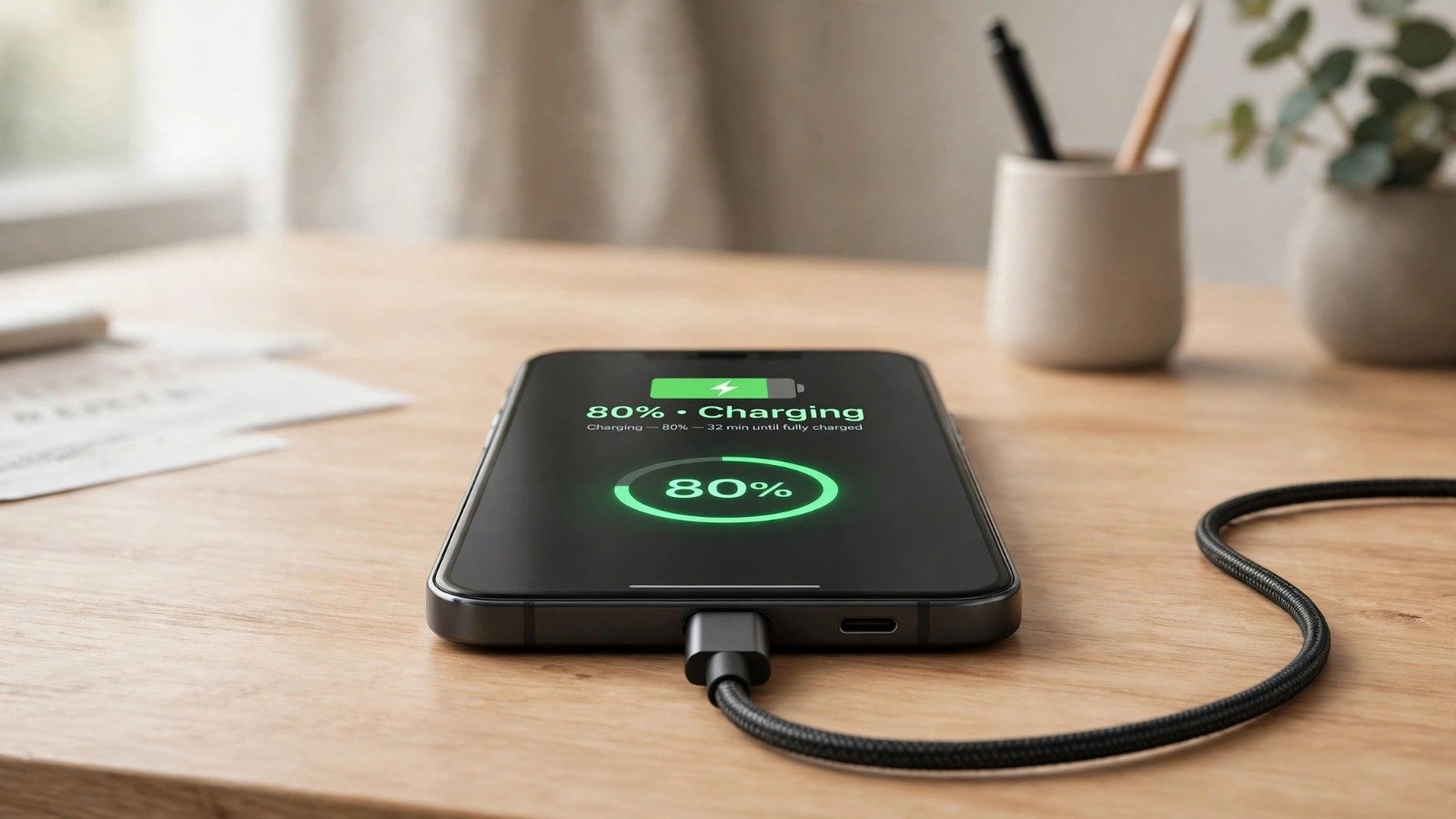
Your phone’s screen is usually its largest power consumer. Reducing screen energy consumption directly lowers charge cycles over time.
-
Switch to Dark Mode: On phones with OLED or AMOLED displays, dark mode turns off individual pixels completely when displaying black backgrounds, saving significant battery power.
-
Lower Refresh Rates: If your phone features a 120Hz display, consider switching to dynamic refresh rate mode or capping it at 60Hz when high smoothness is unnecessary.
-
Shorten Screen Timeout: Set your display auto-lock timer to 30 seconds or 1 minute to prevent the screen from draining power while sitting idle.
Managing screen brightness also helps protect vision; learn ergonomic screen adjustments in how to stop digital eye strain.
4. Optimize Background App Activity
Apps running silently in the background refresh data, check locations, and ping servers, keeping your phone processor awake unnecessarily.
-
Disable Unnecessary Location Services: Set location access to “While Using the App” rather than “Always” for non-essential applications.
-
Restrict Background Refresh: Turn off background app refresh for social media, shopping, and game apps that do not require instant updates.
-
Use Wi-Fi Over Cellular Data: Wi-Fi radios consume substantially less power than cellular modems, especially in areas with weak cellular reception where the phone boosts antenna power to maintain connections.
Streamlining your mobile security credentials also improves device usage safety; explore modern authentication methods in our passkeys vs passwords comparison. When taking study or work breaks from screen time, practice neck stretches outlined in how to fix tech neck posture at desk.
Want More Insights to Grow Your Digital Presence & Daily Productivity?
Whether you need to fix your website’s technical performance or build a smarter, burnout-free work routine, NewsUpTo delivers practical guides to keep you ahead.






Leave feedback about this