

Cloud-based AI assistants have revolutionized creative writing and software engineering. However, relying on web-based services requires transmitting proprietary source code, unpublished manuscripts, and sensitive personal notes across third-party cloud servers.
For professionals handling confidential intellectual property, air-gapped documents, or unstable internet connections, local AI provides a complete alternative. Modern consumer hardware can now run open-weight Large Language Models (LLMs) completely offline.
Building a 100% private, offline AI workstation allows you to enjoy zero cloud latency, zero API token fees, and total data privacy.
To run AI locally without sending requests to external APIs, your system requires three primary software layers.
The Three Operational Layers
-
Hardware Acceleration Layer: Uses graphics card VRAM (Nvidia RTX or Apple Silicon Unified Memory) to execute model inference locally at high speeds.
-
Local Inference Engine: Background software (like Ollama) that hosts open-weight models locally and exposes an offline local API endpoint (
http://localhost:11434). -
Application Interface Layer: Extensions and editors (such as VS Code, AnythingLLM, or Obsidian) that consume your local API to provide inline text generation, chat, and auto-completion.
2. Top Offline AI Models for Writing and Coding
Selecting the right local model depends on your available hardware VRAM and primary work focus.
| Use Case | Hardware Tier | Recommended Local Model | Key Strengths |
| Code Completion & Refactoring | 16GB–24GB VRAM | Qwen 3.6 27B / Qwen 3-Coder 30B | Exceptional multi-file context, SWE-bench performance, and fast tab autocompletion. |
| Lightweight Coding | 8GB VRAM | Qwen3 8B / DeepSeek Coder 6.7B | Low memory footprint; delivers fast, bounded code completions on standard laptops. |
| Prose & Technical Writing | 8GB–16GB VRAM | Llama 3.1 8B / Gemma 2 | Excellent natural writing style, grammar editing, and long-form document outlines. |
| Local Document RAG Search | 16GB VRAM | AnythingLLM + Nomic Embed | Embeds local folders, PDFs, and notes into an offline searchable database. |
3. Offline AI Setup for Writers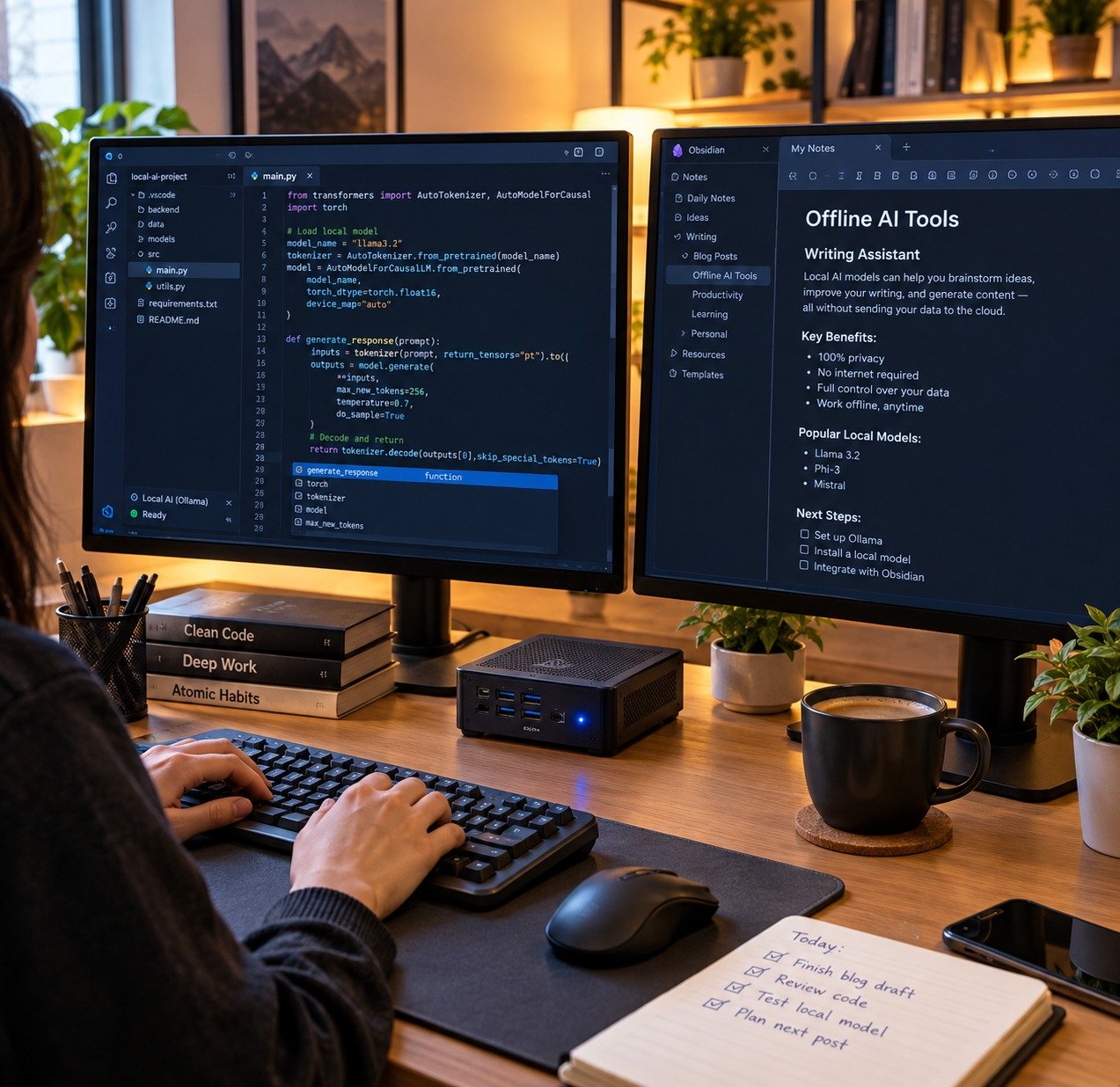
Writers require tools that assist with brainstorming, drafting, and querying private notes without breaking writing flow.
Setup 1: Obsidian + Local Copilot Plugin
Obsidian is a Markdown-based knowledge base that stores all files locally on your hard drive.
-
The Integration: Install the open-source Smart Connections or Text Generator plugin inside Obsidian.
-
The Offline Workflow: Connect the plugin to your local Ollama port. Highlight any draft paragraph to request local grammar checks, tone adjustments, or character outline expansion without internet access.
Setup 2: AnythingLLM for Local Document Research
When analyzing long PDFs, research papers, or manuscript archives, AnythingLLM acts as an offline Retrieval-Augmented Generation (RAG) agent.
-
The Offline Workflow: Drag and drop local research folders directly into the AnythingLLM workspace. The software indexes your files using a local embedding model, allowing you to ask questions against your private documents offline.
4. Offline AI Setup for Coders
Developers require real-time inline code completion, automated unit test generation, and terminal refactoring assistance.
Setup 1: VS Code + Continue.dev
Continue.dev is a leading open-source VS Code extension designed for local AI pair programming.
-
Configuration: Install Continue inside VS Code and configure
config.jsonto point toward Ollama (qwen3.6:27bordeepseek-coder). -
Features: Delivers real-time tab completion, codebase-wide context mapping (
@codebase), and custom refactoring prompts directly inside your editor window.
Setup 2: Terminal Pair-Programming with Aider
For CLI-based developers, Aider is a Git-aware terminal coding assistant.
-
The Offline Workflow: Point Aider to your local OpenAI-compatible API port. Aider inspects your Git repository, makes local code edits across multiple files, and stages automated Git commits.
Setting up local LLM inference engines step-by-step is covered extensively in our guide on how to run AI locally on PC. Protecting your offline workstation against external security leaks aligns with principles from our guide on everyday online privacy and data protection tips. Furthermore, discovering more open-source developer desktop tools is detailed in our review of the best open-source apps on F-Droid to replace daily paid subscription apps.
Want More Insights to Grow Your Digital Presence & Daily Productivity?
Whether you need to fix your website’s technical performance or build a smarter, burnout-free work routine, NewsUp To delivers practical guides to keep you ahead.






Leave feedback about this