

For decades, passwords have served as the default gatekeepers of online accounts. However, managing dozens of complex passwords forces users into bad habits like reusing passwords across websites or creating simple, guessable strings. Even strong passwords remain vulnerable to phishing attacks and server database breaches.
To solve these persistent security gaps, major tech companies developed passkeys, an open standard built by the FIDO Alliance and World Wide Web Consortium (W3C). Designed to replace passwords entirely, passkeys offer faster logins and immune-level protection against credential theft.
Below is a detailed, side-by-side passkeys vs passwords comparison to help you understand how passwordless technology works and why it represents the future of digital security.
1. How Passwords Work vs. How Passkeys Work
To understand the security shift, compare the underlying mechanics of both authentication methods:
How Passwords Work (Shared Secrets)
When you log in with a traditional password, you type a string of text into a website’s login box. The website sends this string across the internet to check it against a hashed version stored on their servers. Because a shared secret travels over the web, attackers can intercept it, trick you into typing it into a fake lookalike site (phishing), or steal it directly from compromised databases.
How Passkeys Work (Public-Key Cryptography)
Passkeys completely eliminate shared secrets. When you create an account using a passkey, your device generates a unique cryptographic key pair:
-
Public Key: Stored openly on the website’s server.
-
Private Key: Stored securely inside your device’s hardware security chip (such as Apple’s Secure Enclave or Android’s TPM) and never leaves your device.
When logging in, the server sends a mathematical challenge to your device. Your device unlocks your private key using local biometric verification (Touch ID, Face ID, or device PIN) and signs the challenge. The server verifies the signature using your public key and grants access instantly without ever seeing your private credentials.
2. Passkeys vs Passwords Comparison Table
| Feature | Traditional Passwords | Modern Passkeys |
| Authentication Type | Something you know (String) | Something you have (Device) + Local Unlock |
| Phishing Resistance | Low (Vulnerable to fake websites) | Immune (Bound directly to domain name) |
| Data Breach Risk | High (Breached servers leak password hashes) | Zero (Public keys are useless to hackers) |
| User Memory Needed | High (Requires memorizing or storing) | Zero (Device handles key exchange) |
| Built-in Multi-Factor | No (Requires separate SMS or TOTP app) | Yes (Device possession + Biometric/PIN) |
| Login Speed | Slower (Typing, 2FA code retrieval) | Up to 8x faster (Instant biometric scan) |
3. Key Advantages of Passkeys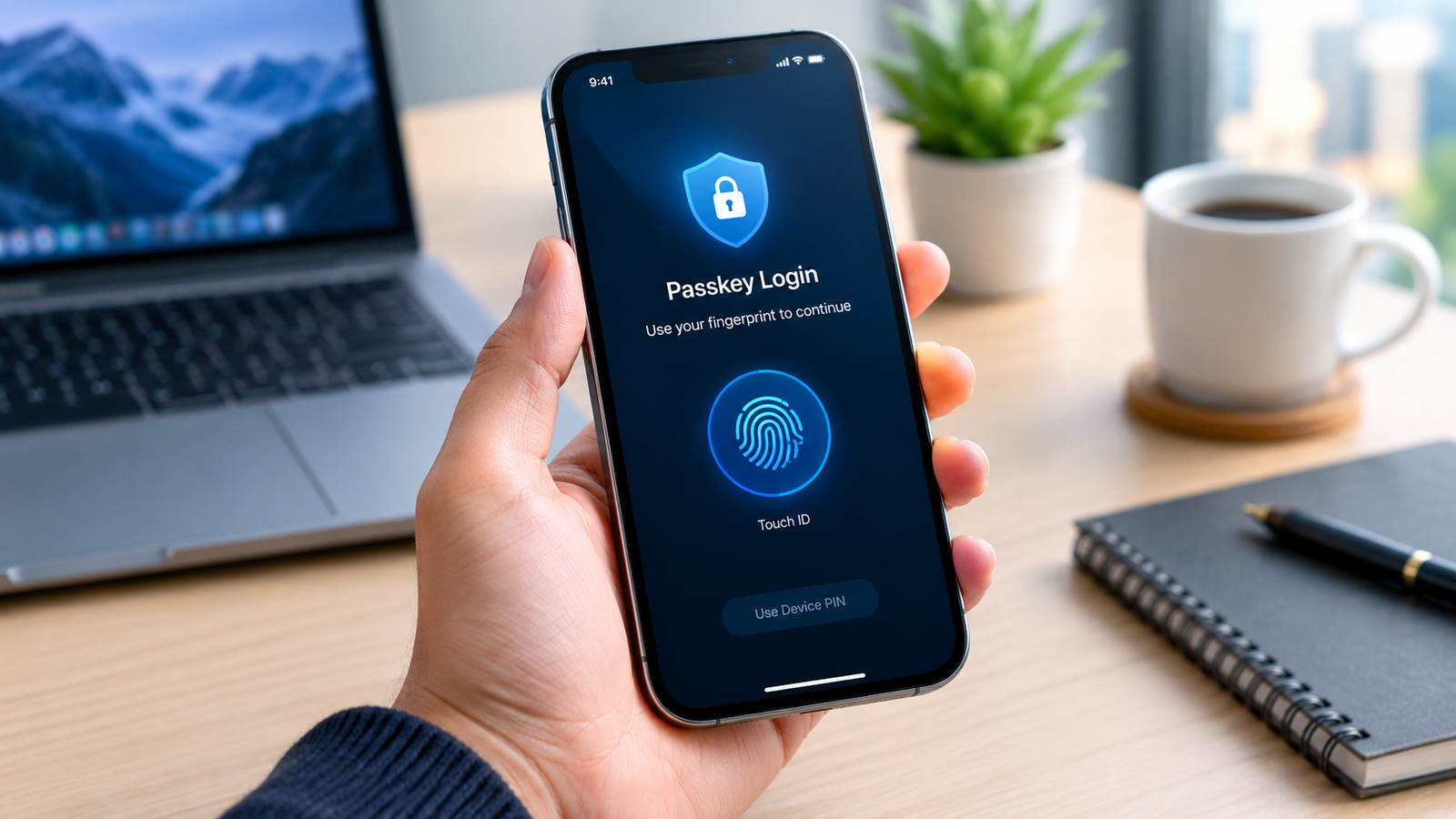
Passkeys solve the fundamental flaws inherent to traditional password management:
-
Complete Phishing Immunity: A passkey is cryptographically bound to the exact web domain where it was created. If you accidentally click a malicious phishing link mimicking your bank, the browser will refuse to supply the passkey signature because the domain name does not match.
-
Protection Against Server Breaches: Because servers only hold public keys, hackers who breach a website’s database gain nothing that can unlock your account.
-
Automatic Cloud Syncing: Passkeys sync across your personal devices via secure cloud ecosystems like Apple iCloud Keychain, Google Password Manager, or 1Password, allowing seamless logins on phone, tablet, or desktop.
Safeguarding digital credentials extends to network perimeter defenses; review best practices in our guide on how to secure home wi-fi network from hackers.
4. Current Challenges with Passkeys
While passkeys offer superior security, a few adoption hurdles remain during the current industry transition:
-
Cross-Platform Compatibility: Moving passkeys between competing ecosystems (such as transferring credentials directly from iOS to Windows or Android) can occasionally require scanning QR codes or relying on cross-platform password managers.
-
Account Recovery Concerns: If you lose all enrolled physical devices and lack cloud backups, recovering access to passkey-protected accounts relies on backup recovery codes or secondary verification routes set up in advance.
-
Legacy Website Support: While major platforms like Google, Apple, Microsoft, Amazon, and PayPal fully support passkeys, many smaller web services still rely exclusively on legacy password systems.
Protecting your mobile hardware ensures seamless biometric logins; explore battery longevity practices in how to extend smartphone battery lifespan. In digital asset management, combining hardware security with cold storage remains critical; see our dollar cost averaging crypto strategy for broader digital asset protection frameworks.
Want More Insights to Grow Your Digital Presence & Daily Productivity?
Whether you need to fix your website’s technical performance or build a smarter, burnout-free work routine, NewsUpTo delivers practical guides to keep you ahead.






Leave feedback about this