

Traveling internationally or working remotely from cafés, airports, and hotels opens up exciting experiences. However, connecting to unfamiliar networks also exposes your personal data, online banking logins, and corporate credentials to digital threats.
Unencrypted public Wi-Fi networks make it remarkably easy for malicious actors to intercept network traffic, execute rogue hotspot attacks, or siphon sensitive information. Protecting your digital life on the road requires a combination of reliable Virtual Private Networks (VPNs), encrypted password managers, hardware security keys, and smart browsing habits.
Here is your complete guide to the essential VPNs and digital privacy tools every traveler should use.
The Digital Risks of Traveling Without Privacy Tools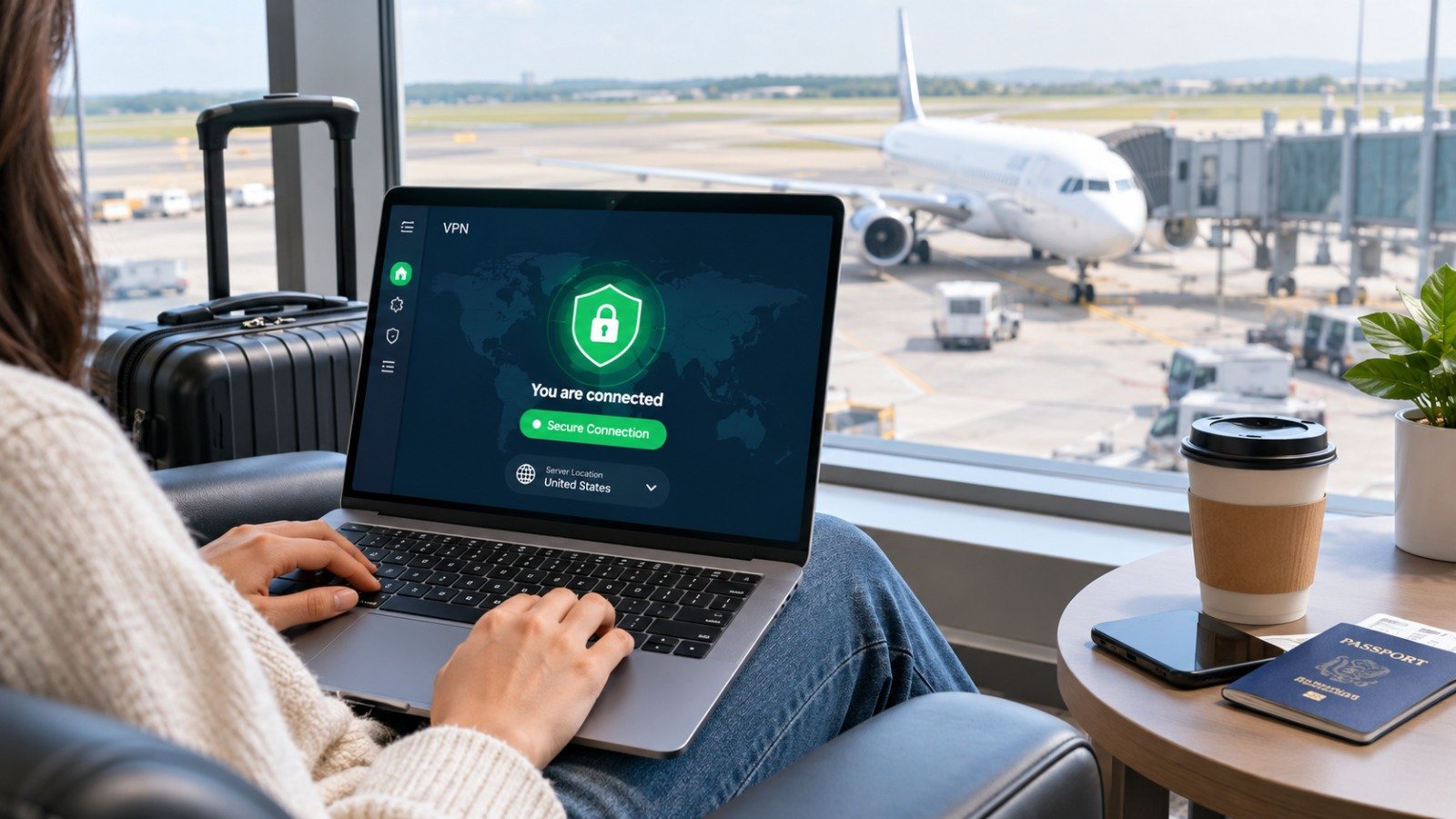
When you connect to an open network at an airport or coffee shop, your unencrypted data travels through a shared local environment. Without proper security tools, you face distinct risks:
-
Man-in-the-Middle (MitM) Attacks: Hackers position themselves between your device and the Wi-Fi router to inspect or alter transmitted data.
-
Evil Twin Hotspots: Attackers set up fake Wi-Fi networks with names like “Free_Airport_Wi-Fi” to harvest passwords and session cookies from unsuspecting users.
-
Shoulder Surfing and Physical Theft: Unsecured devices left unattended or unencrypted drives can expose personal records if stolen.
-
Geographic Content Blocks and ISP Throttling: Foreign internet service providers often censor websites, restrict communication apps, or throttle streaming speeds.
Top Travel Privacy Tools and Software Compared
| Tool Category | Top Recommended Option | Key Travel Benefit | Tech Skill Level |
| Virtual Private Network (VPN) | ExpressVPN / NordVPN / Mullvad | High-speed encryption, bypasses geo-blocks, masks IP | Low (One-tap setup) |
| Encrypted Password Manager | Bitwarden / 1Password | Generates & autofills unique passwords without cloud risk | Low |
| Hardware Travel Router | GL.iNet Slate / Beryl AX | Encrypts all hotel devices under a single secure private Wi-Fi | Moderate |
| Hardware Security Key | YubiKey 5 Series | Physical 2FA authentication that blocks remote account takeovers | Moderate |
| Encrypted Storage & Cloud | Proton Drive / Tresorit | Zero-knowledge encrypted storage for sensitive document copies | Low |
Essential Travel Privacy Tools: Detailed Breakdown
1. Premium Virtual Private Networks (VPNs)
A VPN routes your internet traffic through an encrypted tunnel to a remote server, making your online activities unreadable to anyone monitoring the local network.
When choosing a travel VPN, look for modern WireGuard protocol support for high connection speeds, an automatic Kill Switch (which cuts internet access if the VPN connection drops), and a strict no-logs policy verified by independent audits.
Avoid using free VPN services while traveling. Free VPN providers frequently monetize users by selling browsing history, injecting ads, or using weak encryption standards that compromise security.
2. Portable Travel Routers
A pocket-sized travel router acts as an intermediary security layer between hotel Wi-Fi and your personal electronics.
Instead of connecting every smartphone, laptop, tablet, and e-reader individually to an unsecure hotel network, you connect the travel router once. The router encrypts all outbound traffic at the hardware level using an integrated VPN client and creates a private, password-protected network inside your room.
3. Password Managers with Offline Access
Reusing the same password across multiple travel sites, airline accounts, and hotel booking portals poses a massive security risk. An encrypted password manager generates complex, unique passwords for every account and syncs them securely across your devices. Ensure your password manager supports offline access so you can retrieve credentials even when airplane Wi-Fi fails.
Learn more about protecting your hardware while working on the go in our digital nomad laptop safety guide.
5 Practical Wi-Fi Safety Tips for International Travelers
Software tools work best when paired with smart security habits. Follow these essential practices whenever you leave home:
-
Disable Auto-Connect Settings: Turn off auto-join settings for open Wi-Fi networks on your phone and laptop so your devices do not connect automatically to malicious hotspots.
-
Keep Bluetooth and NFC Off When Unused: Turn off Bluetooth and Near Field Communication in crowded public places like subway stations or airports to prevent unauthorized pairing requests.
-
Use a Privacy Screen Filter: A physical plastic privacy filter narrows the viewing angle of your laptop or phone screen, preventing nearby strangers from viewing sensitive work or financial information.
-
Enable Full Disk Encryption: Use native encryption tools like BitLocker (Windows) or FileVault (macOS) on your laptops. If your device is lost or stolen during travel, your disk contents remain inaccessible without your decryption key.
-
Carry Data-Blocking USB Adapters (“USB Condoms”): When charging your phone at public USB charging stations in airports, plug your cable into a data-blocking adapter to prevent juice jacking (data extraction via modified USB ports).
Safeguard your online banking access abroad with our step-by-step instructions on how to secure online bank accounts while traveling.
Border Privacy and Device Preparation Before You Leave
Navigating border control checks sometimes involves device inspections. Prepare your electronics before embarking on international flights:
-
Perform Full Data Backups: Back up your laptops and phones to an encrypted cloud service or external drive before heading to the airport.
-
Limit Saved Data on Primary Devices: If traveling to high-surveillance regions, consider using a secondary travel device containing only necessary files and apps.
-
Log Out of Sensitive Accounts: Log out of financial portals and sensitive workplace communication apps before going through customs checkpoints.
Streamline your security credentials by reviewing our top picks in our guide to the top encrypted password managers.
Want More Insights to Grow Your Digital Presence & Daily Productivity?
Whether you need to fix your website’s technical performance or build a smarter, burnout-free work routine, NewsUp To delivers practical guides to keep you ahead.





Leave feedback about this