
Purchasing cryptocurrency is only the first step of your digital asset journey. Leaving your coins on an exchange or online hot wallet leaves them vulnerable to server hacks, platform bankruptcies, and online phishing scams.
Using a hardware wallet offers the highest level of security by keeping your private keys offline. However, owning the device alone does not guarantee safety. Proper handling habits are essential to protect your investment.
Below is a comprehensive, beginner-friendly guide covering how to keep crypto safe on a hardware wallet, complete with setup rules and offline storage best practices..
1. Purchase and Setup Safety Rules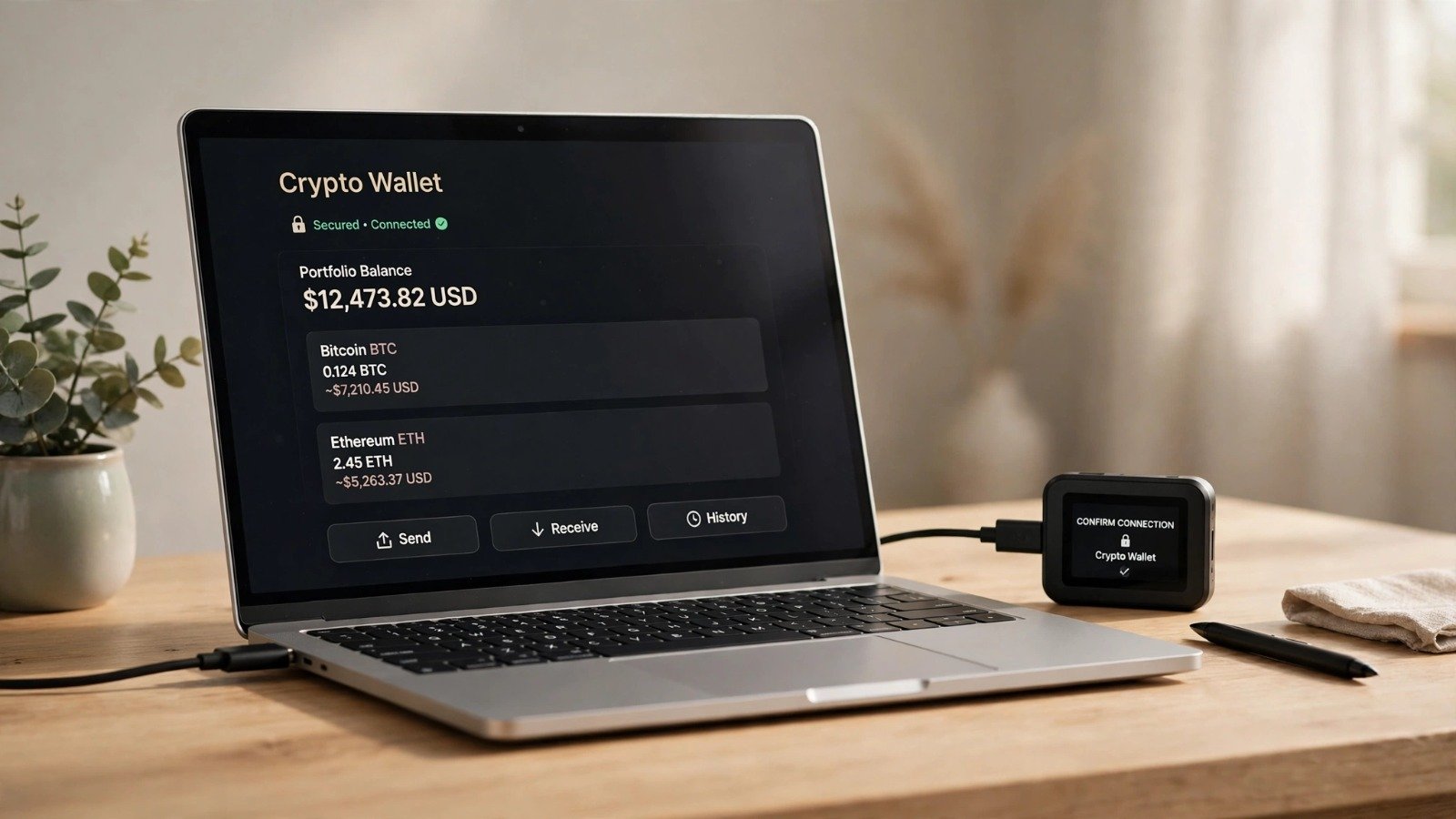
Security begins long before you transfer your first coin. Taking precautions during the acquisition phase prevents malicious tampering.
-
Buy Directly From the Official Source: Always order your hardware wallet (such as Ledger or Trezor) straight from the official manufacturer website. Never buy second-hand devices or third-party reseller listings.
-
Inspect the Packaging Carefully: Check that tamper-evident seals are intact upon delivery. If the box looks opened or damaged, contact the manufacturer immediately.
-
Set a Strong PIN Code: Choose a unique, secure PIN code directly on the device. Avoid using obvious number combinations like birthdays or sequential numbers.
[ Buy Official Device ] ──> [ Verify Packaging ] ──> [ Set Secure PIN ] ──> [ Safe Offline Storage ]
2. Golden Rules for Managing Your Seed Phrase
Your 12-to-24-word recovery phrase (seed phrase) is the master key to all your crypto assets. Anyone who discovers this phrase can access your funds instantly from anywhere in the world.
-
Never Photograph or Digitally Save Your Phrase: Do not take a screenshot, save it in a notes app, photograph it with your phone, or store it in cloud storage. Digital files can be compromised by malware or cloud breaches.
-
Write It Down on Physical Paper: Handwrite your seed phrase clearly on paper provided with your device. Double-check every word for spelling accuracy.
-
Consider Fireproof Metal Backups: For maximum long-term security, stamp your seed words onto a steel backup plate to protect against fire, water, and physical decay.
-
Store Backups in a Secure Location: Keep your written recovery phrase in a private, secure location such as a home safe. Never store the seed phrase in the same physical location as your hardware wallet.
| Action Item | Recommended Practice | Unsafe Practice |
| Seed Phrase Storage | Handwritten on paper or steel in a safe | Saved in phone notes or cloud drive |
| Device Purchase | Ordered directly from official manufacturer | Bought used or via unauthorized marketplace |
| Entering Recovery Phrase | Entered only on the physical hardware device | Typed into a computer keyboard or website |
Additionally, understanding foundational blockchain security connects smoothly with broader concepts explained in what-is-proof-of-work-vs-stake. Furthermore, mastering everyday financial discipline through guides like how-to-track-daily-expenses-easily helps protect your overall net worth.
3. Avoiding Advanced Phishing Scams
Hardware wallets protect your private keys from online hackers, but they cannot protect you if you willingly hand over access to a scammer.
Step 1: Never Type Your Seed Phrase Online
Legitimate customer support representatives, wallet applications, or blockchain projects will never ask for your seed phrase. If any website or app prompts you to type your recovery words, it is a phishing scam.
Step 2: Double-Check Smart Contract Approvals
When interacting with decentralized finance (DeFi) platforms or signing transactions, review the exact details displayed on your hardware wallet screen before confirming.
Step 3: Bookmark Official Links
Always use official bookmarks or direct URLs when accessing wallet companion software to avoid fraudulent search engine ads.
Furthermore, keeping your broader digital environment secure pairs naturally with privacy practices covered in how-to-block-callers-on-iphone-without-them-knowing.
Want More Insights to Grow Your Digital Presence & Daily Productivity?
Whether you need to fix your website’s technical performance or build a smarter, burnout-free work routine, NewsUpTo delivers practical guides to keep you ahead.





Leave feedback about this